

The print method explained

What Is a Giclée Print?

Giclée is a term used for high-quality inkjet fine art printing from a digital file. It is valued because it can reproduce detailed photography and artwork on specialist papers and canvas, one print or a small edition at a time. The word alone is not a standard of certification: the file, printer, pigment ink, medium, profile and production decisions determine the actual result.

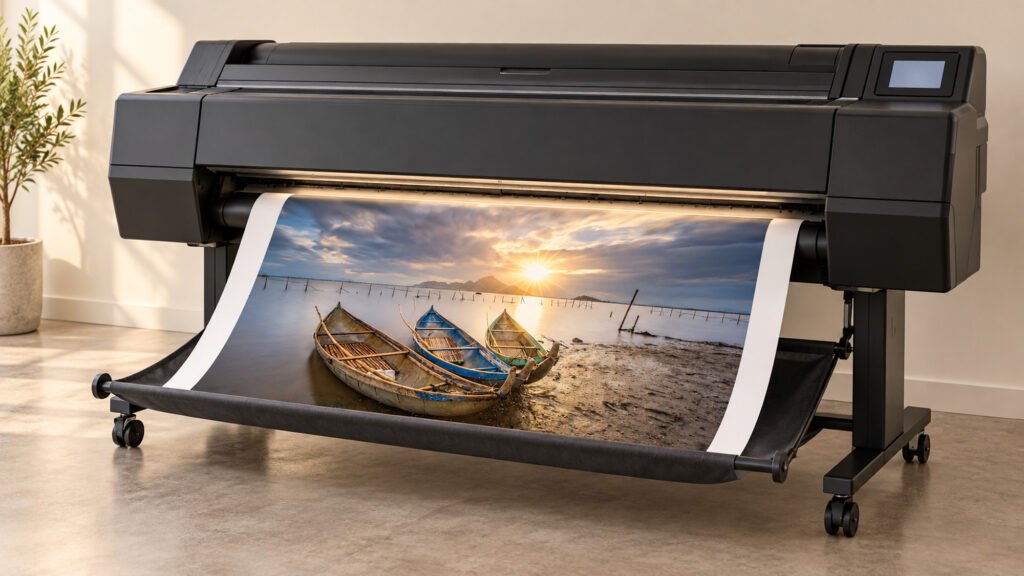
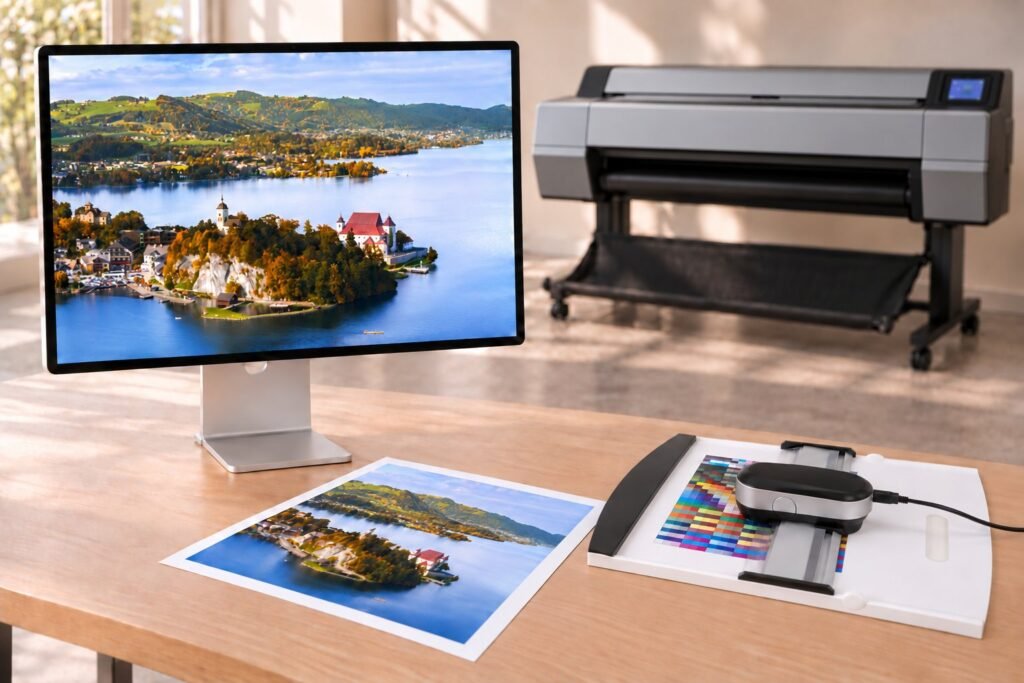
Illustrative fine art print studio with a large-format pigment printer and an inspection table

Five parts

Five parts of a considered giclée workflow

The final evaluation still happens in physical light on the actual material.

01

Source image

Enough genuine resolution, careful editing and a defined crop.

02

Inkjet printer

Suited to fine art output. Lumière uses the 44-inch Epson SC-P9530.

03

Pigment inks

Epson UltraChrome PRO12 in Lumière’s current setup.

04

Print medium

Inkjet-coated fine art paper or canvas chosen for the image.

05

Colour management

An embedded source profile and an output profile for the printer, ink and medium.

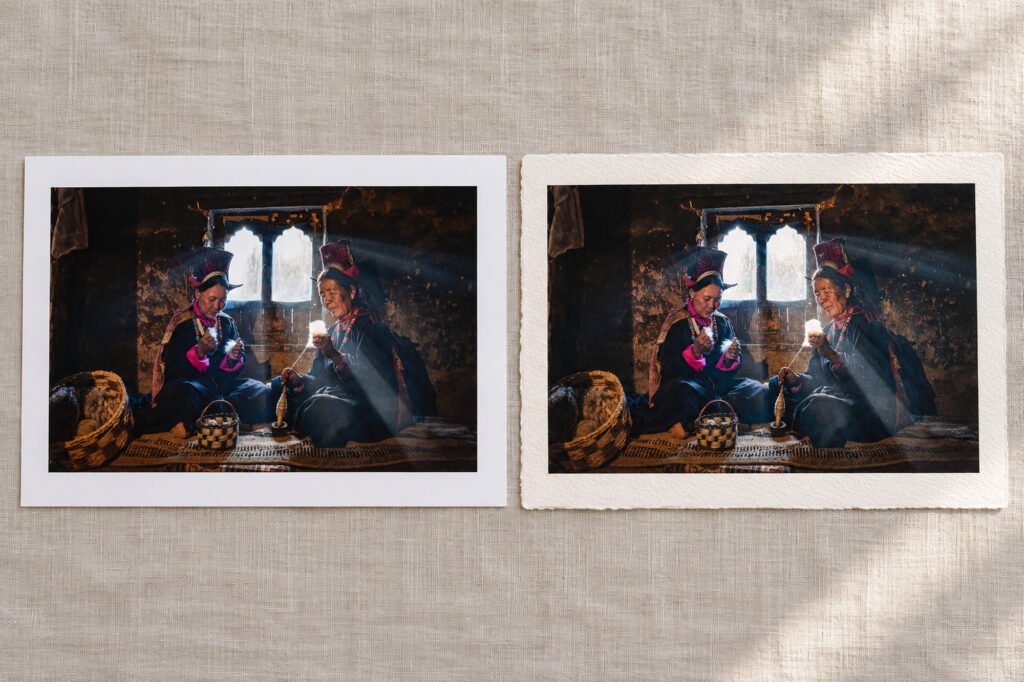
Smooth and textured fine art paper samples side by side, each carrying the same mountain photograph

Compared

How is it different from an everyday print?

The distinction is not merely printer resolution. Fine art printing pays deliberate attention to source preparation, media quality, the ink set, profiles, consistency and presentation. A fast office or promotional print can be useful for its purpose, but its material and colour decisions are usually different.

Giclée is compatible with both original digital work and reproductions of physical artwork once an appropriate digital master exists. Photographing or scanning the original is a separate capture stage.

Limits

What it does not promise

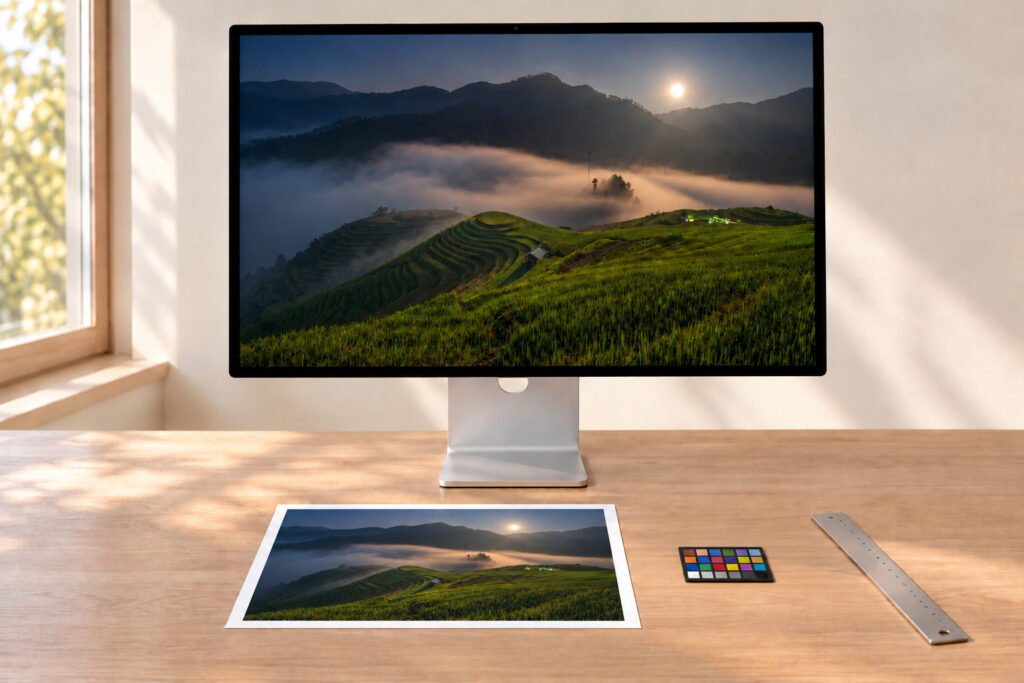
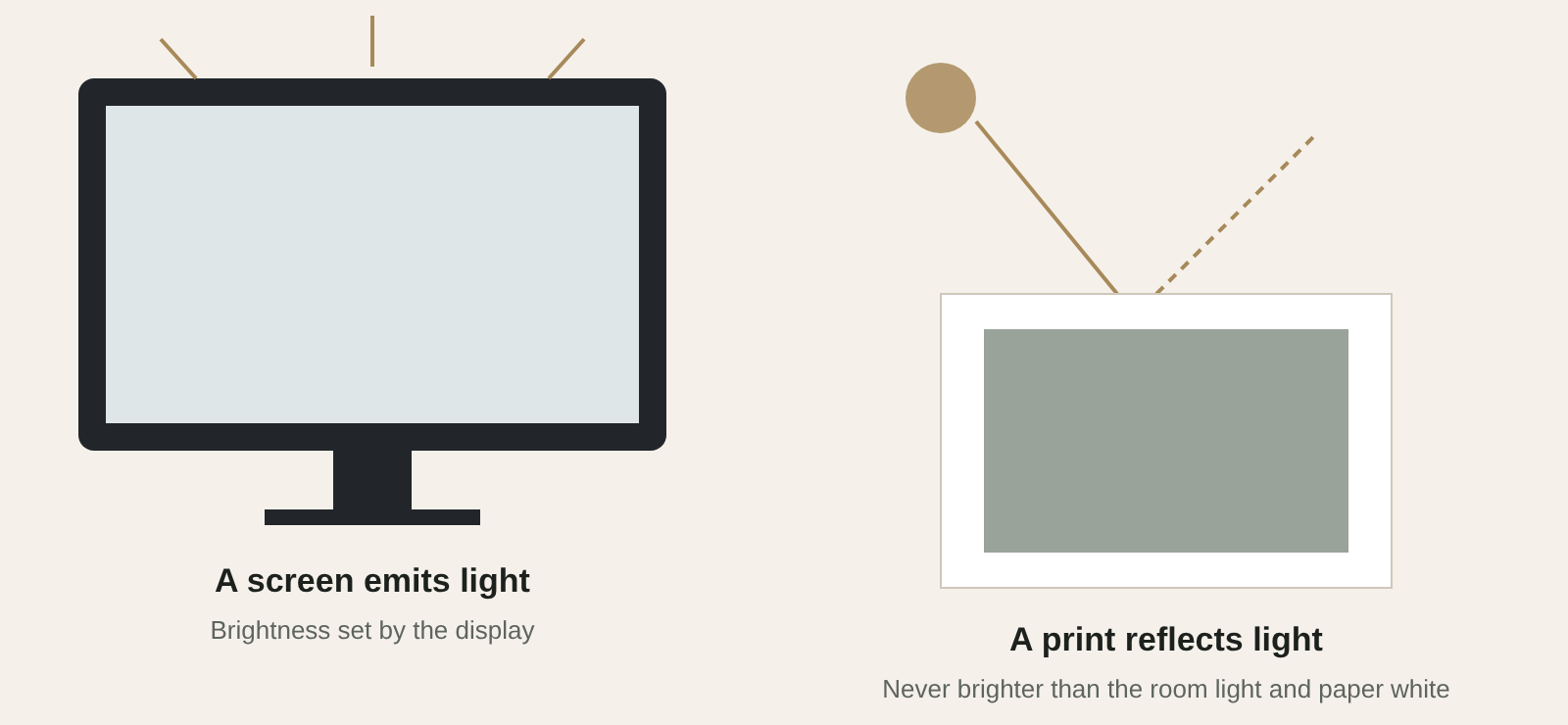
Giclée does not mean a print will match every monitor, last forever or automatically qualify as “museum grade.” A screen is illuminated; a print is seen by reflected light. Papers have different whites and ink responses.

Longevity depends on the tested combination of inks, medium, framing, light and storage. Treat any lifespan number as conditional rather than universal.

Diagram: a screen emits light while a print reflects the light falling on it

The production setup

The Lumière Print setup

These are concrete production tools, not a claim of absolute accuracy. The aim is controlled colour, smooth tonal transitions and a repeatable specification where a series or edition requires it.

Apple

Studio Display XDR 27-inch (2026)

Reference display for reviewing images and colour before printing.

X-Rite

i1Publish Pro 3

Measurement and ICC profiling for each printer, ink and material combination.

Epson

SureColor SC-P9530 · UltraChrome PRO12

44-inch, 12-channel pigment printer with a PrecisionCore MicroTFP head.

Hahnemühle

Fine art papers & canvas

Selected cotton, natural-fibre papers and two canvases.

Brand names identify the studio’s equipment and materials; they do not imply certification or endorsement.

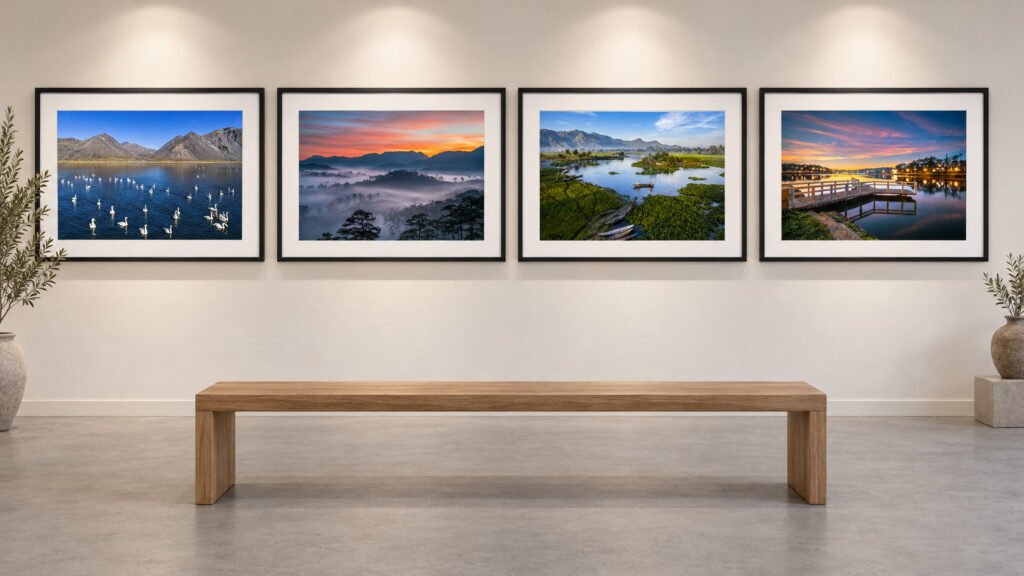
Gallery wall with a row of six framed monochrome landscape photographs

When to choose it

When the physical print is the final work

Choose this approach for an exhibition photograph, an art reproduction, a limited edition, a portfolio statement or a collected piece. Begin with the image, final dimensions and preferred display. Then decide on paper or canvas and any frame.

Start a print

Have a print in mind?

Send the image and where it will be shown; we will suggest a paper and a specification.

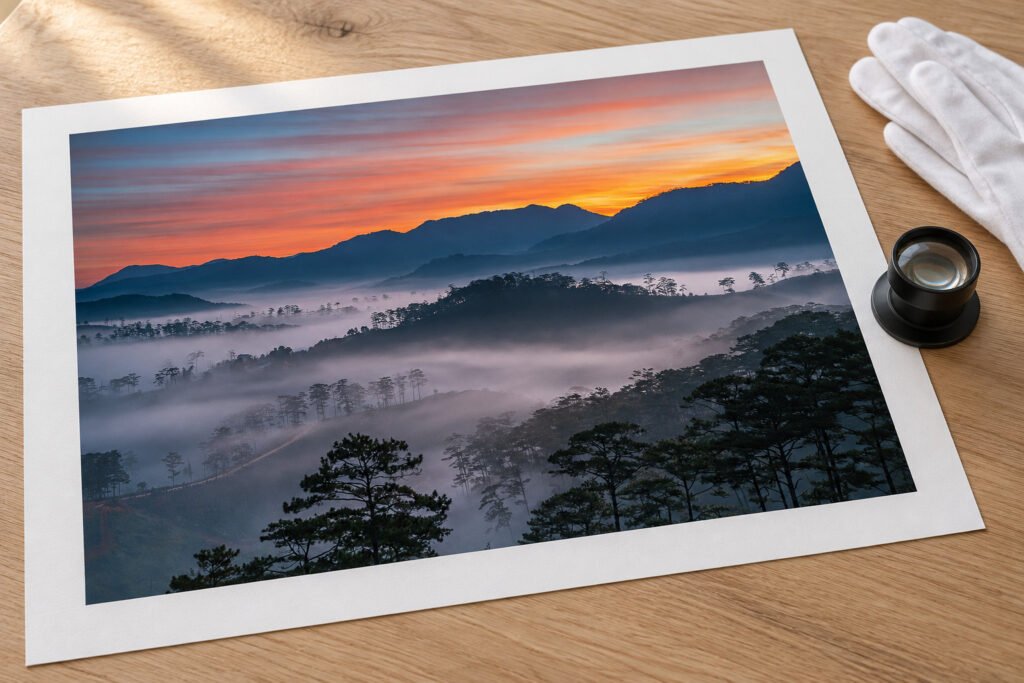
Gloved hands lifting the corner of a matt cotton print on an inspection table