

Colour in print

Soft Proofing Fine Art Prints and Colour Management

Colour management connects the file, display, printer, ink and paper through profiles and measurements. It helps make the translation predictable, but paper is a reflective material viewed under changing light. An exact match to every screen is not a realistic goal.

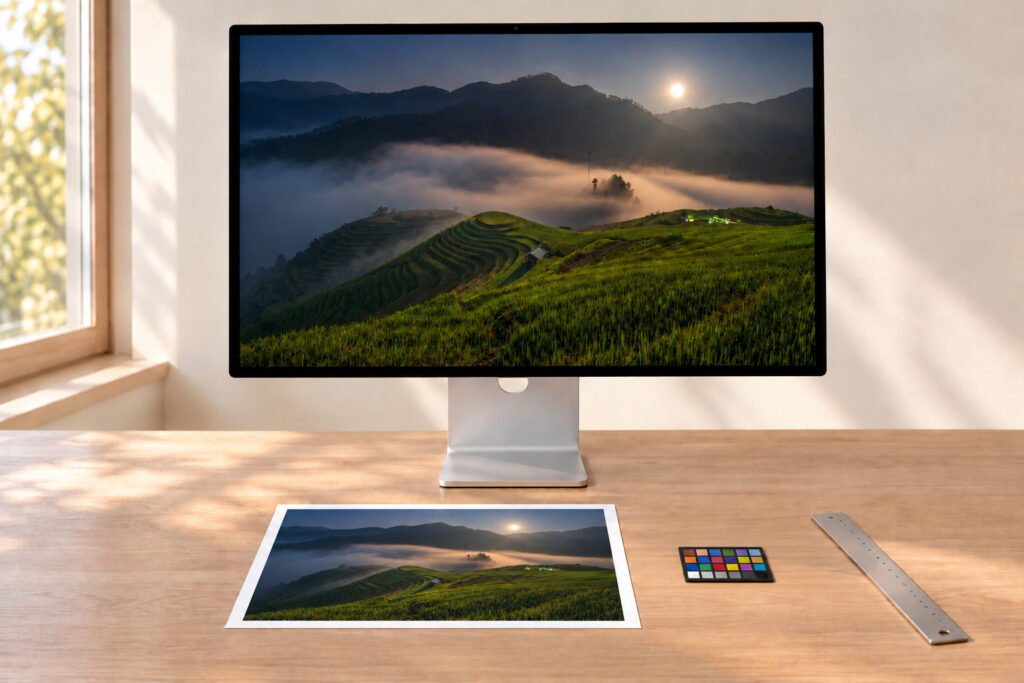
Print review table with a bordered photographic print, grey card, loupe and proof strips

Profiles

What an ICC profile describes

A source profile tells software what the RGB numbers mean; a display profile describes the monitor; an output profile describes a particular printer, ink and medium. Lumière Print uses X-Rite i1Publish Pro 3 for measurement and profiling — a paper change is an output-condition change, not just a swap of sheets.

Diagram: RGB file, reference display, ICC output profile, printer and inks, medium and viewing light
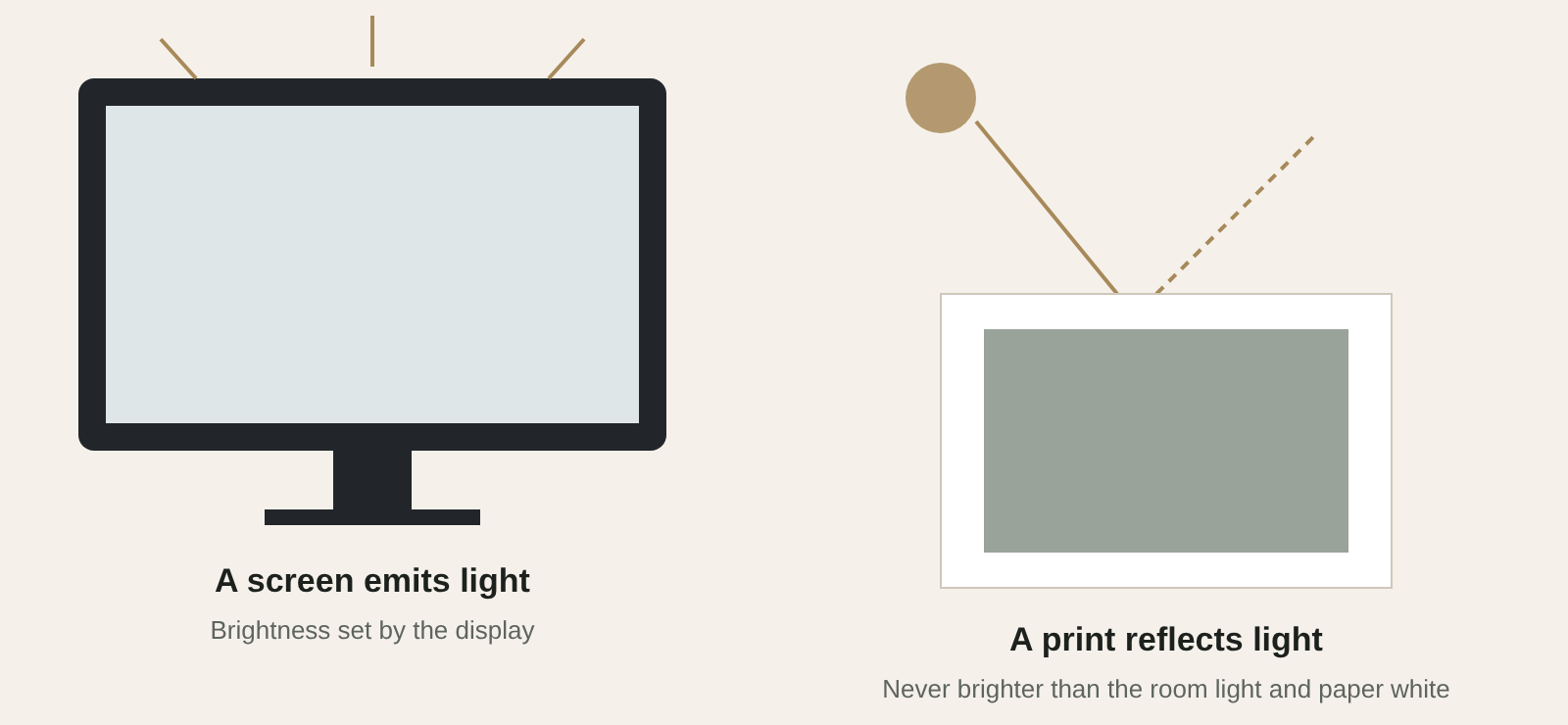
Diagram: a screen emits light while a print reflects the light falling on it

Brightness

Why the print may look darker

A monitor can be set very bright, making midtones seem lighter than they will appear on paper. Room light, glare and the paper’s white point also affect judgment. Compare prints in stable, suitable light.

Do not compensate by brightening the file blindly. First check display brightness, the embedded profile, the selected paper and the viewing environment.

Step by step

Soft proofing in a colour-managed editor

A soft proof is a prediction constrained by the monitor profile and viewing light. It does not replace a physical print for final approval. No downloadable Lumière profiles are advertised — request the appropriate workflow before relying on a generic profile.

01

Display & file

Use a reasonably calibrated display and an RGB file with its correct embedded profile.

02

Ask for the profile

Ask which ICC profile corresponds to the actual printer, ink and paper.

03

Proof Setup

In Photoshop, View → Proof Setup → Custom; select that output profile.

04

Intent & simulation

Compare rendering intents, use black point compensation and inspect paper-colour/black-ink simulation.

05

Toggle & inspect

Toggle View → Proof Colors; examine highlights, saturated colours and shadow separation.

Gloved hands lifting the corner of a matt cotton print on an inspection table

Monochrome

Black-and-white is still a colour decision

Neutrality, paper warmth and separation between deep shadow tones all affect a monochrome image. A warm paper white can make a nominally neutral file feel different from the same file on bright white. Evaluate the print in the light where it will be displayed, especially when a series must read consistently.

Start a print

Set an expectation before a critical job

If a brand colour, artwork original or edition master is especially sensitive, share a reference and discuss a physical test on the final material. When colour tolerance matters, agree how it will be judged: source file, output profile, viewing illuminant, substrate and a physical proof.

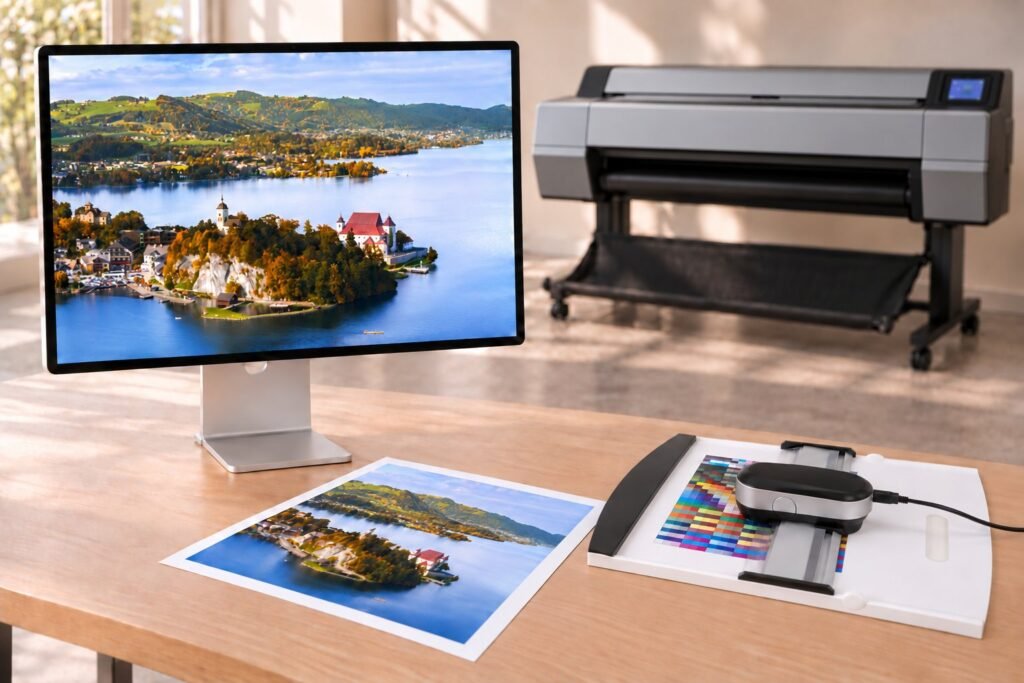
Reference display, colour measurement instrument and paper samples in front of a large-format printer