




Our print process
Our Colour-Managed Fine Art Printing Process
Good printing depends on a sequence of decisions. This page explains the production logic behind Lumière Print’s colour-managed workflow. Exact handling and any testing arrangements are confirmed with the studio.
The chain
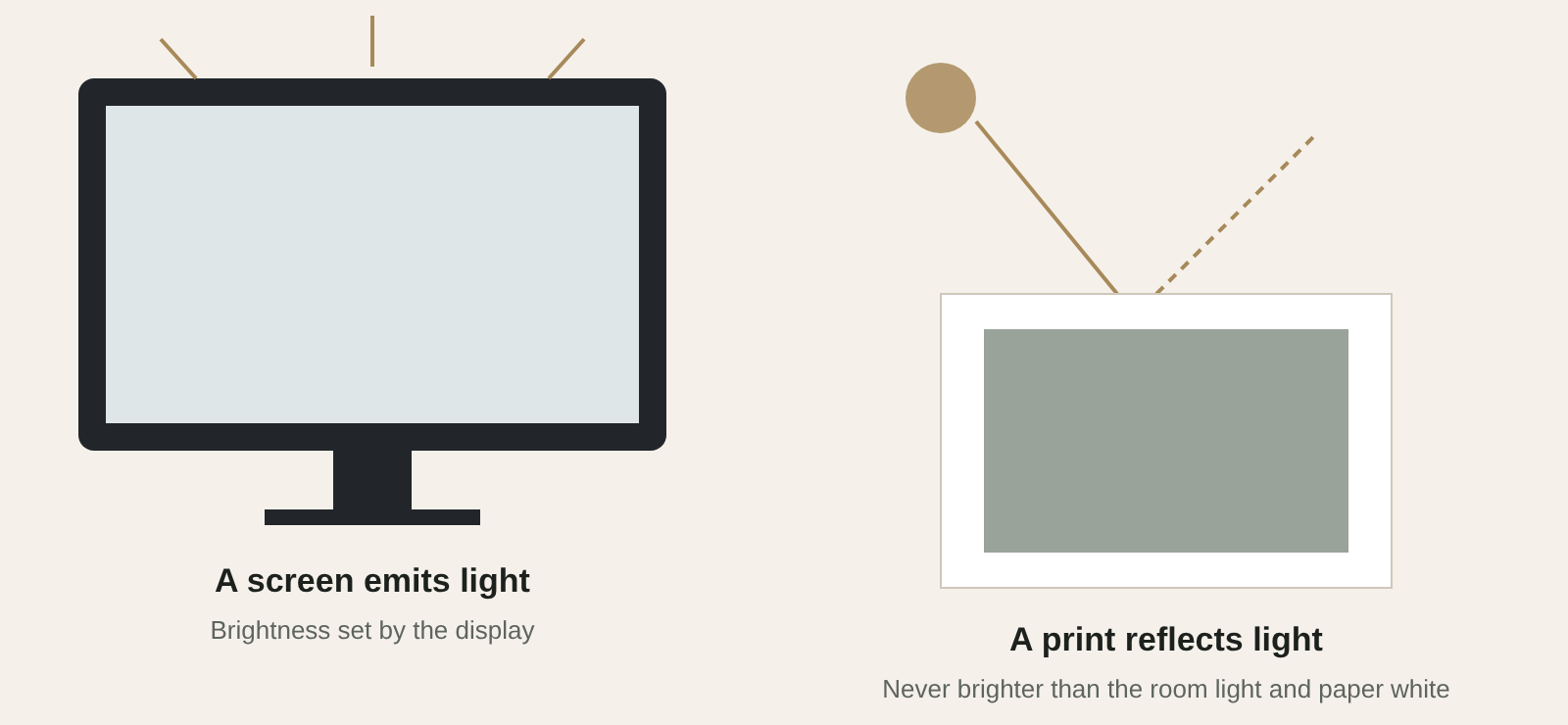
Every link changes how colour is seen
A profile maps how a particular output condition handles colour; it does not promise absolute screen-to-print identity.
Six steps
From intended work to presentation
01
Understand the intended work
The file, the desired physical size and the purpose: a portfolio image, an exhibition set, an edition or a framed work for a room.
02
Review the source file
Enough genuine detail for the size; crop, aspect ratio, embedded profile and visible artefacts. A social-media download may need a different plan.
03
Match image and surface
Each medium has a paper white, texture and ink response. The selection is made with the intended look, not a universal ranking.
04
Manage the output condition
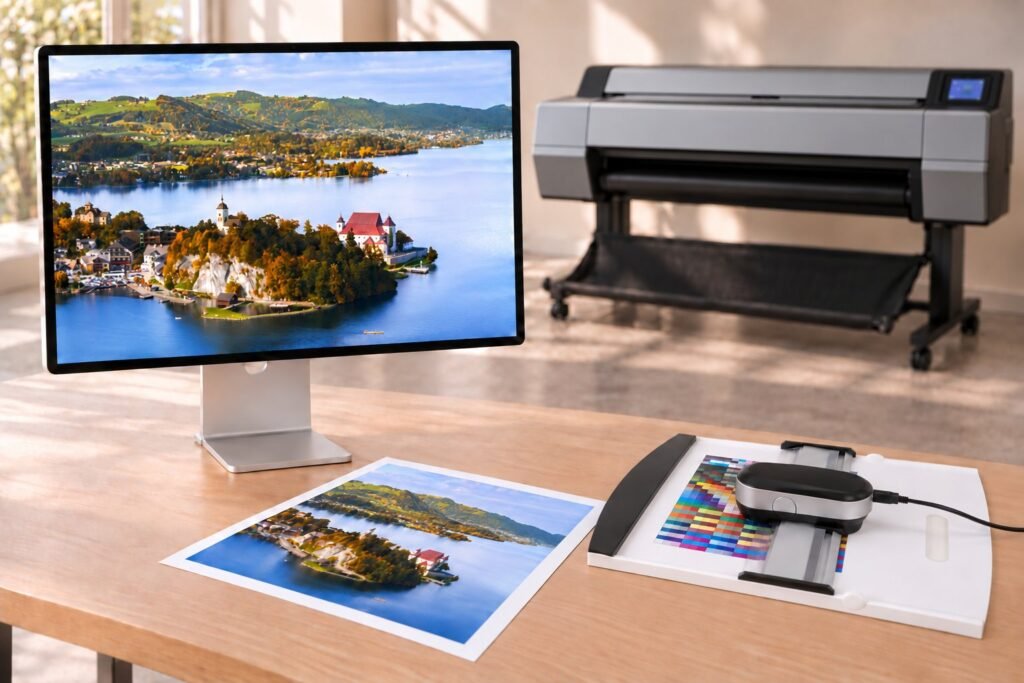
Epson SC-P9530 and UltraChrome PRO12; X-Rite i1Publish Pro 3 for measurement and ICC profiling of each printer, ink and material combination.
05
Confirm the physical specification
Image size vs sheet size, crop, border, medium, quantity and frame. A reference print is a project option to arrange, not assumed.
06
Prepare for presentation
Careful handling, framing if specified, viewing under suitable light and protection suited to the material.
The production setup
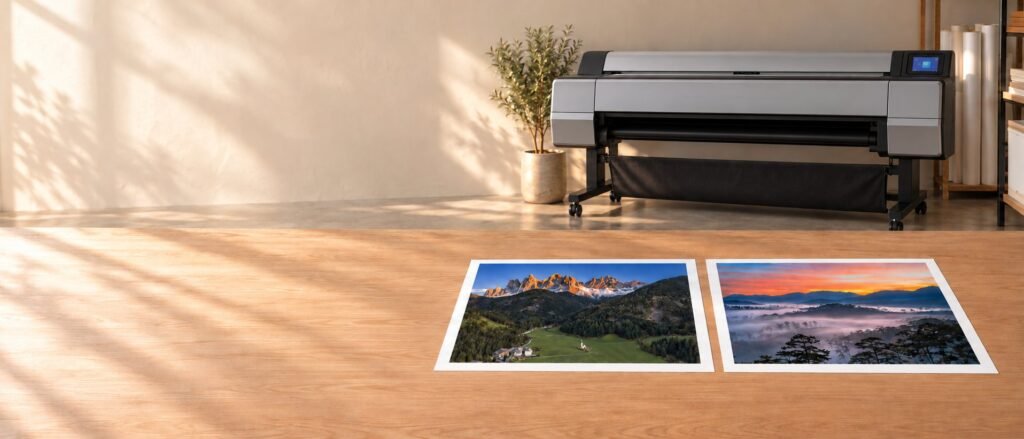
Production Equipments
Each tool controls one link between the file you send and the print you hang.
Apple
Studio Display XDR 27-inch (2026)
Reference display for reviewing images and colour before printing.
X-Rite
i1Publish Pro 3
Measurement and ICC profiling for each printer, ink and material combination.
Epson
SureColor SC-P9530 · UltraChrome PRO12
44-inch, 12-channel pigment printer with a PrecisionCore MicroTFP head.
Hahnemühle
Fine art papers & canvas
Selected cotton, natural-fibre papers and two canvases.
Brand names identify the studio’s equipment and materials; they do not imply certification or endorsement.
Colour, honestly
Measured, then judged on paper
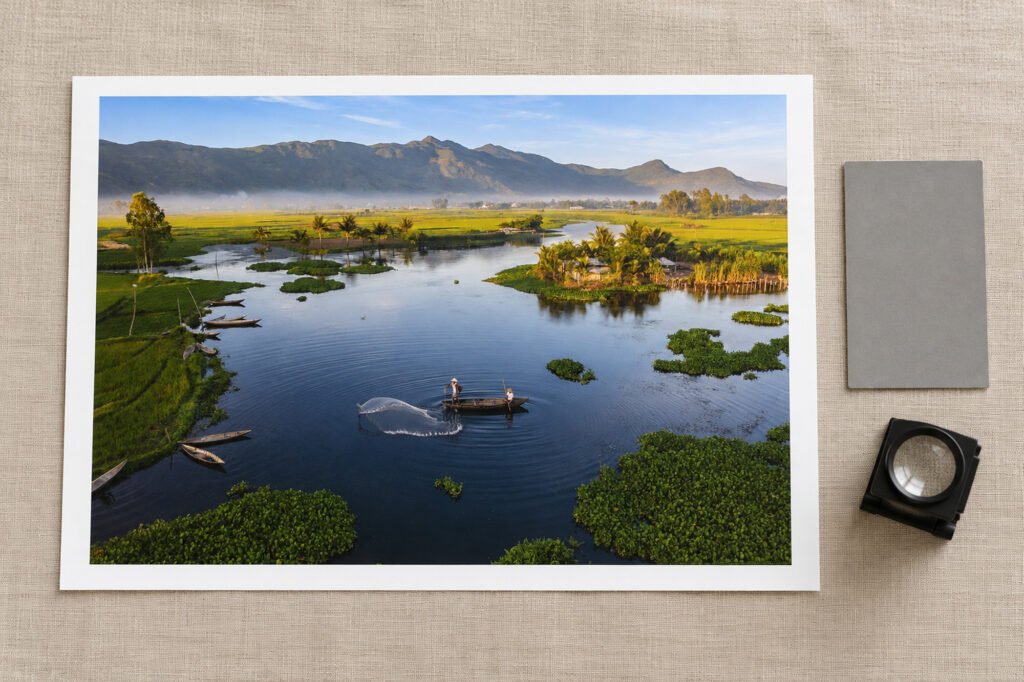
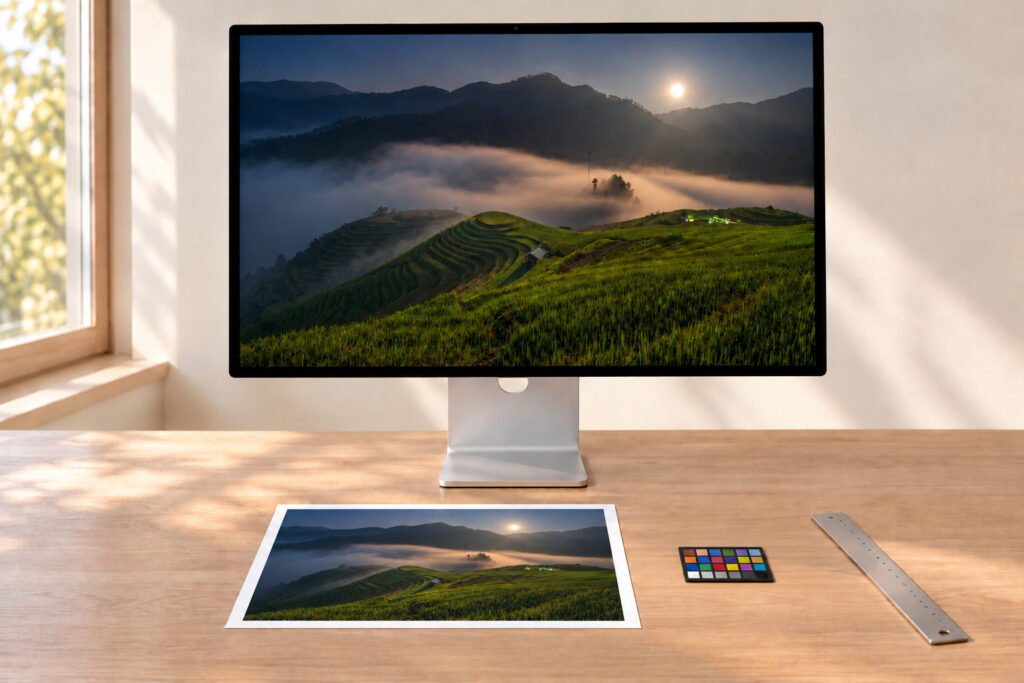
The reference display, X-Rite measurement, ICC profile and physical proof help control colour difference. A luminous screen and a reflective sheet cannot look identical in every light: paper white, surface, ink gamut and viewing illumination all change appearance.
For critical work, define the viewing condition and approve a physical proof. No universal numerical colour tolerance is promised without measuring the specific proof and output condition.
Inspection
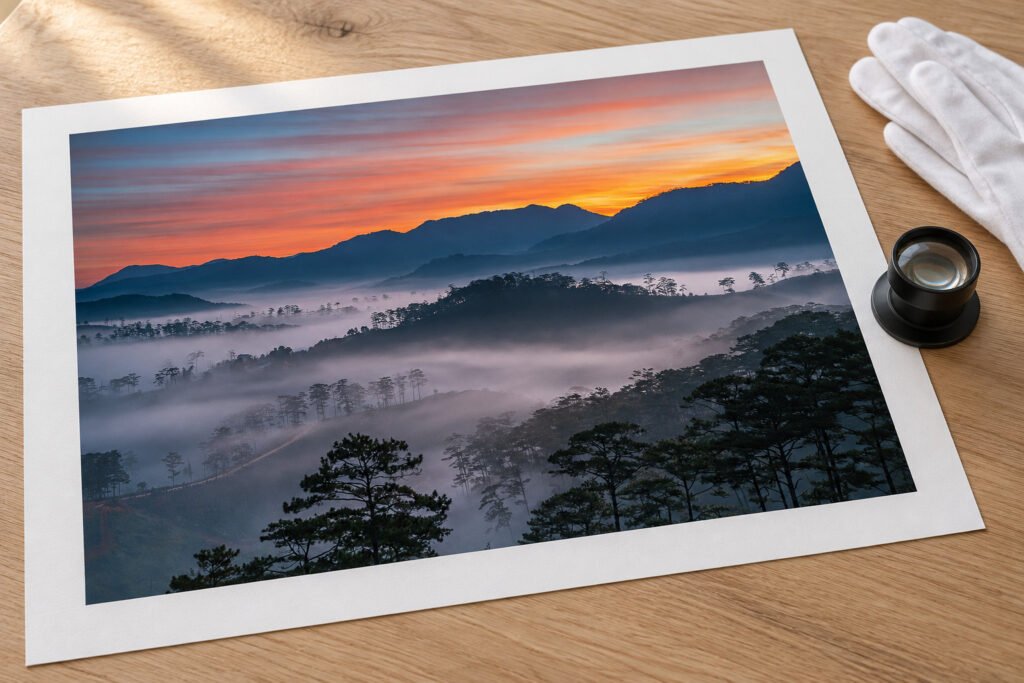
Assess the physical proof
The Apple Studio Display XDR 27-inch (2026) is the studio’s reference monitor; X-Rite i1Publish Pro 3 supports ICC profiling and output checks. We assess the physical proof under suitable light; no fixed ΔE or screen-to-print match is claimed without a defined measurement method and measured result.
Start a print
Start with the file and the purpose
Tell us what the print is for and send the file. We will come back with a material suggestion and a specification to confirm.
Keep reading

Colour & soft proofing
ICC profiles, darker prints and soft proofing.
Preparing files
Pixels, formats, profiles and a checklist.
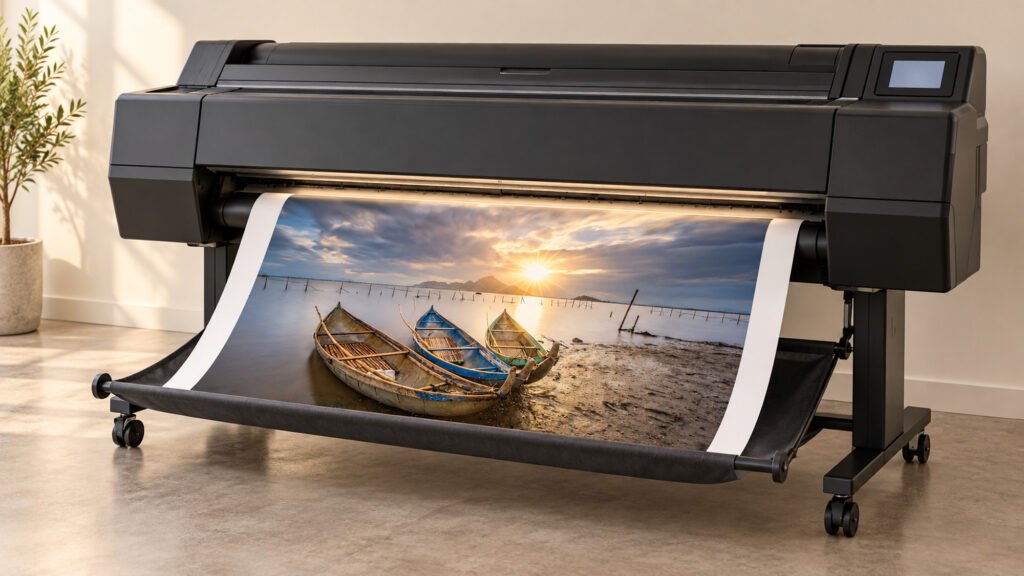
What is a giclée print?
The method, its parts and what it does not promise.