Technical guide

How to Prepare Files for Fine Art Printing

The useful question is not “Is this image 300 dpi?” but “How many pixels does it contain at the printed image size, and what does that detail look like?” Use this guide to prepare the file, then confirm the final specification with Lumière Print.

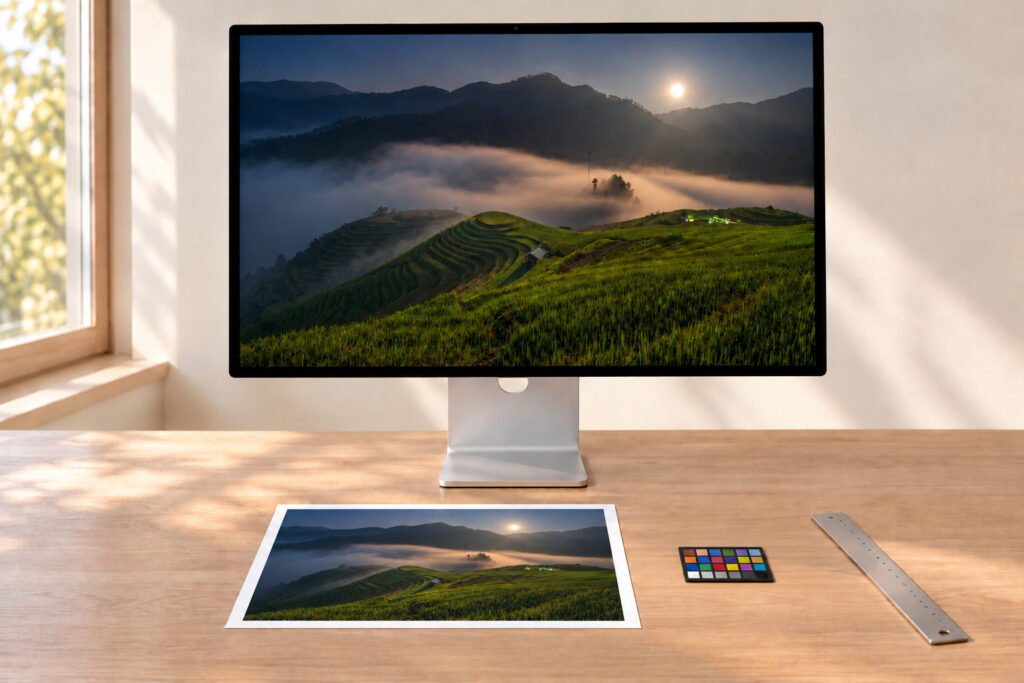
Retouching desk with a landscape photograph on screen, a test strip, ruler and loupe

1 · Pixels at final size

Check pixels at final printed size

Divide the size in centimetres by 2.54 to get inches, then multiply by the desired ppi. Around 300 ppi suits close-viewed detailed work; around 150 ppi can be a discussion point for large work viewed farther away. Planning benchmarks, not automatic acceptance thresholds.

Retouching desk with a landscape photograph on screen, a test strip, ruler and loupe
Pixels, width × height
Printed image sizeAt 300 ppiAt 150 ppi
20 × 30 cm2,362 × 3,5431,181 × 1,772
30 × 45 cm3,543 × 5,3151,772 × 2,657
40 × 60 cm4,724 × 7,0872,362 × 3,543
50 × 70 cm5,906 × 8,2682,953 × 4,134
60 × 90 cm7,087 × 10,6303,543 × 5,315
100 × 150 cm11,811 × 17,7175,906 × 8,858

A larger paper sheet around the image does not increase the pixels required for the image itself.

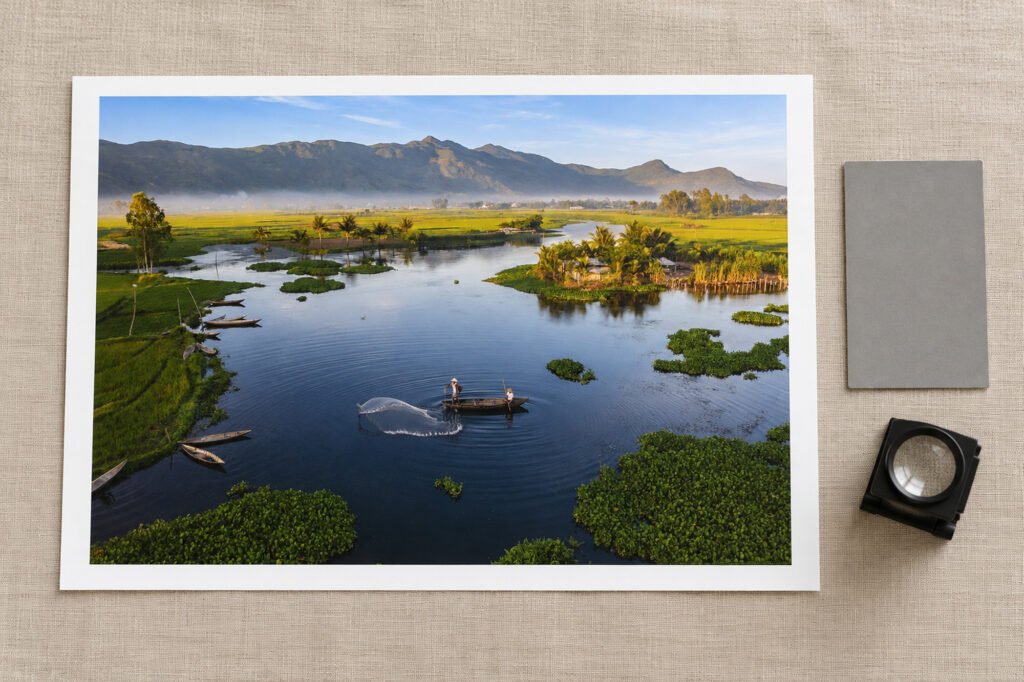
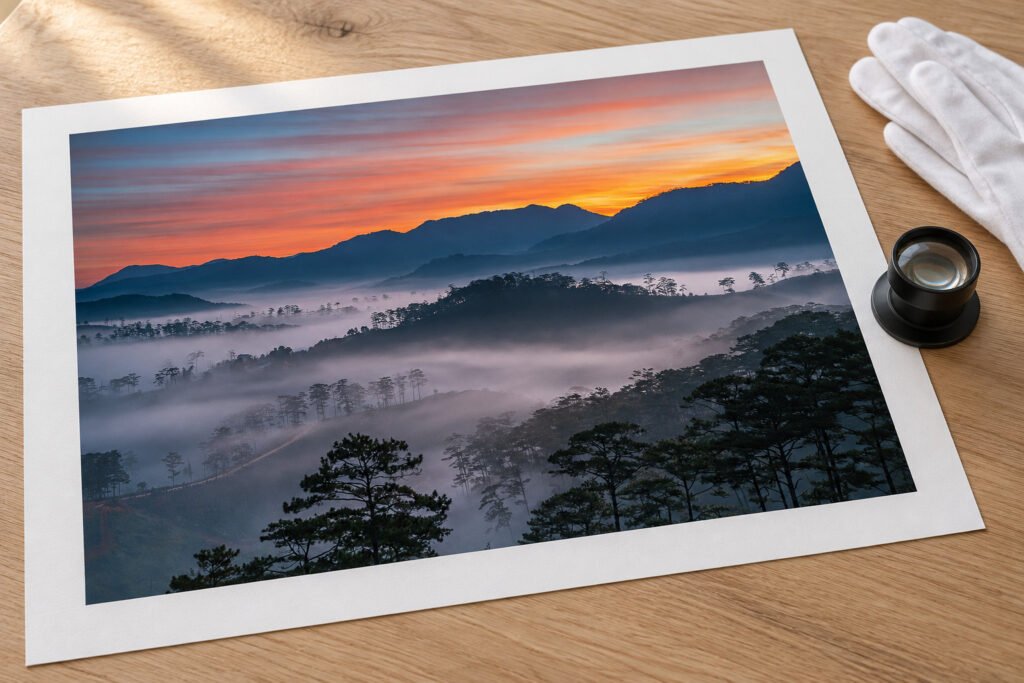
Print review table with a bordered photographic print, grey card, loupe and proof strips

2 · Genuine detail

Preserve genuine detail

Changing the resolution field from 72 to 300 without changing pixel dimensions does not create detail. Upsampling can change the appearance of an image, but it cannot recreate information that was never captured.

If the source is limited, tell the studio the final viewing distance. A smaller image area, different crop or a deliberate soft look may be more appropriate than aggressive enlargement.

  • Examine the file at 100% for focus and motion blur.
  • Look for compression blocks and heavy noise reduction.
  • Check sharpening halos along edges.

3 · Format

Choose a practical format

Format guidance, not a published upload policy. Ask the studio about accepted file types, transfer method and maximum size.

FormatUseful forWhat to watch
TIFFHigh-quality flattened photographic or artwork masterLarger file size; embed the correct profile
High-quality JPEGConvenient final export of a photograph or raster artworkAvoid repeated re-saving or heavy compression
PSDLayered editing file when specifically requestedConfirm whether the studio wants a flattened copy
PDF / vectorGraphic art or line workConfirm fonts, transparencies and output workflow

4 · Colour

Keep colour information attached

Export an RGB file with its ICC profile embedded, for example sRGB or Adobe RGB when that is your actual working space. Do not assign a different profile merely to make colour appear brighter. Avoid an unrequested CMYK conversion.

If you soft proof, use the output profile and rendering settings the studio confirms for the specific printer, ink and paper. A profile for a different device or medium can mislead.

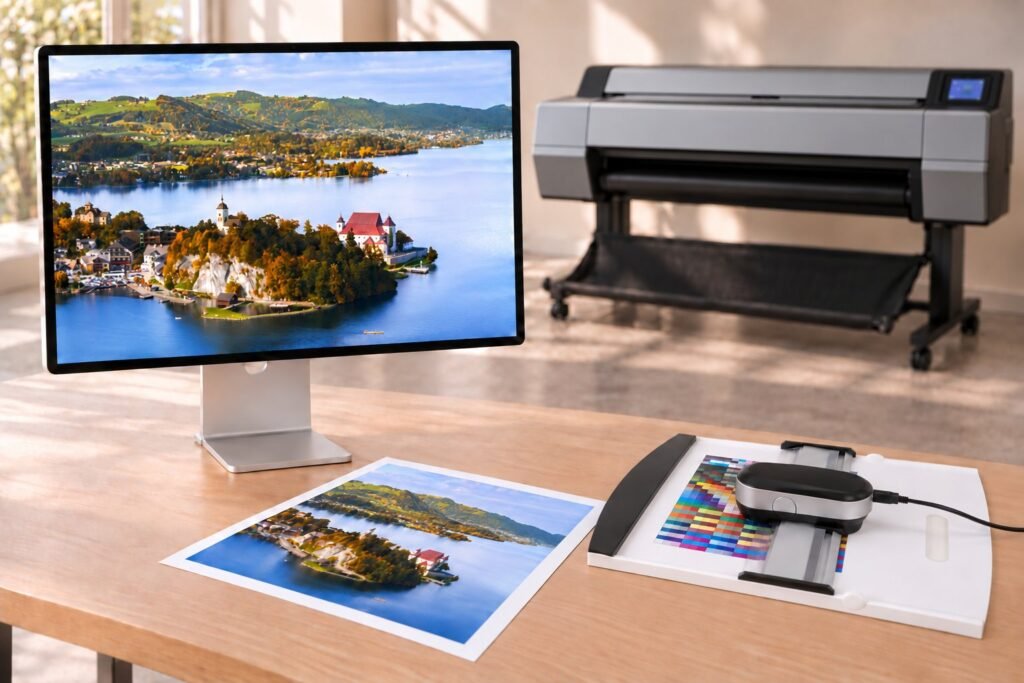
Reference display, colour measurement instrument and paper samples in front of a large-format printer
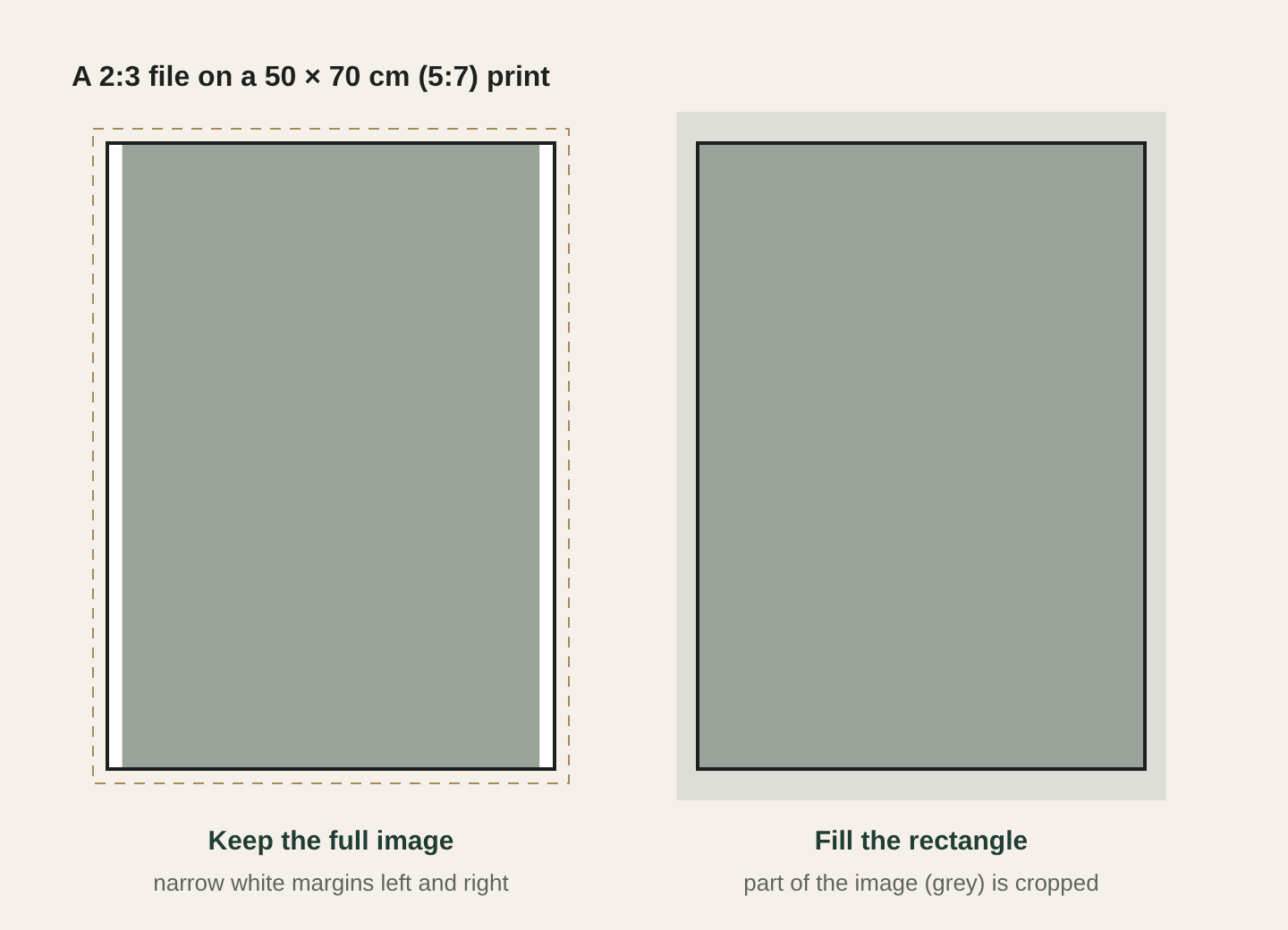
Diagram: a 2:3 image on a 5:7 print either keeps white margins or is cropped to fill

5 · Image vs paper

Separate image area from paper size

Write down the printed image width × height and the desired outer sheet width × height. A 30 × 45 cm image with a 2.5 cm white border on every side needs a 35 × 50 cm sheet. No default border is promised, so request the border explicitly and confirm its price.

A 2:3 file fits 30 × 45 cm without cropping, but not 50 × 70 cm (5:7) if you fill the entire rectangle. Mark any subject matter near the edge that must be kept.

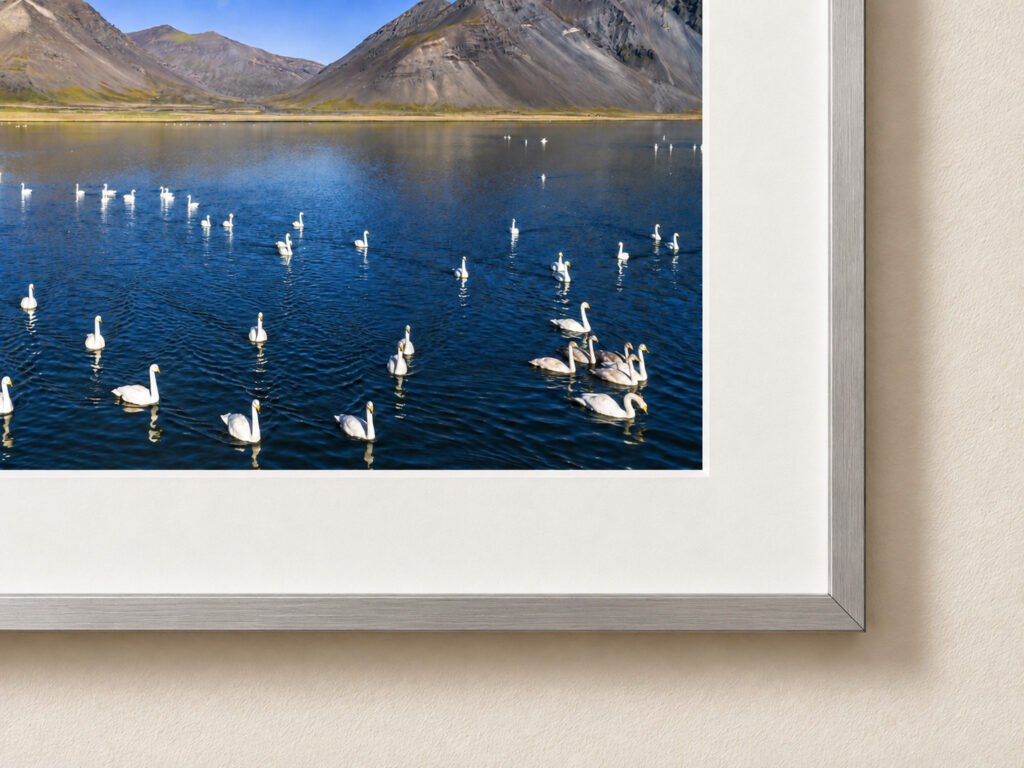
Gloved hands lifting the corner of a matt cotton print on an inspection table

Before you send

Final file and order checklist

  • Use the final edited master, not a preview or social-media download.
  • Keep the original uncropped version separately.
  • Check pixel dimensions and sharpness at intended size.
  • Embed the correct RGB ICC profile.
  • Specify image size, sheet size, crop and border.
  • Name each file clearly and list quantities for a series.
  • Tell the studio about critical colours, prior reference prints or intended display light.